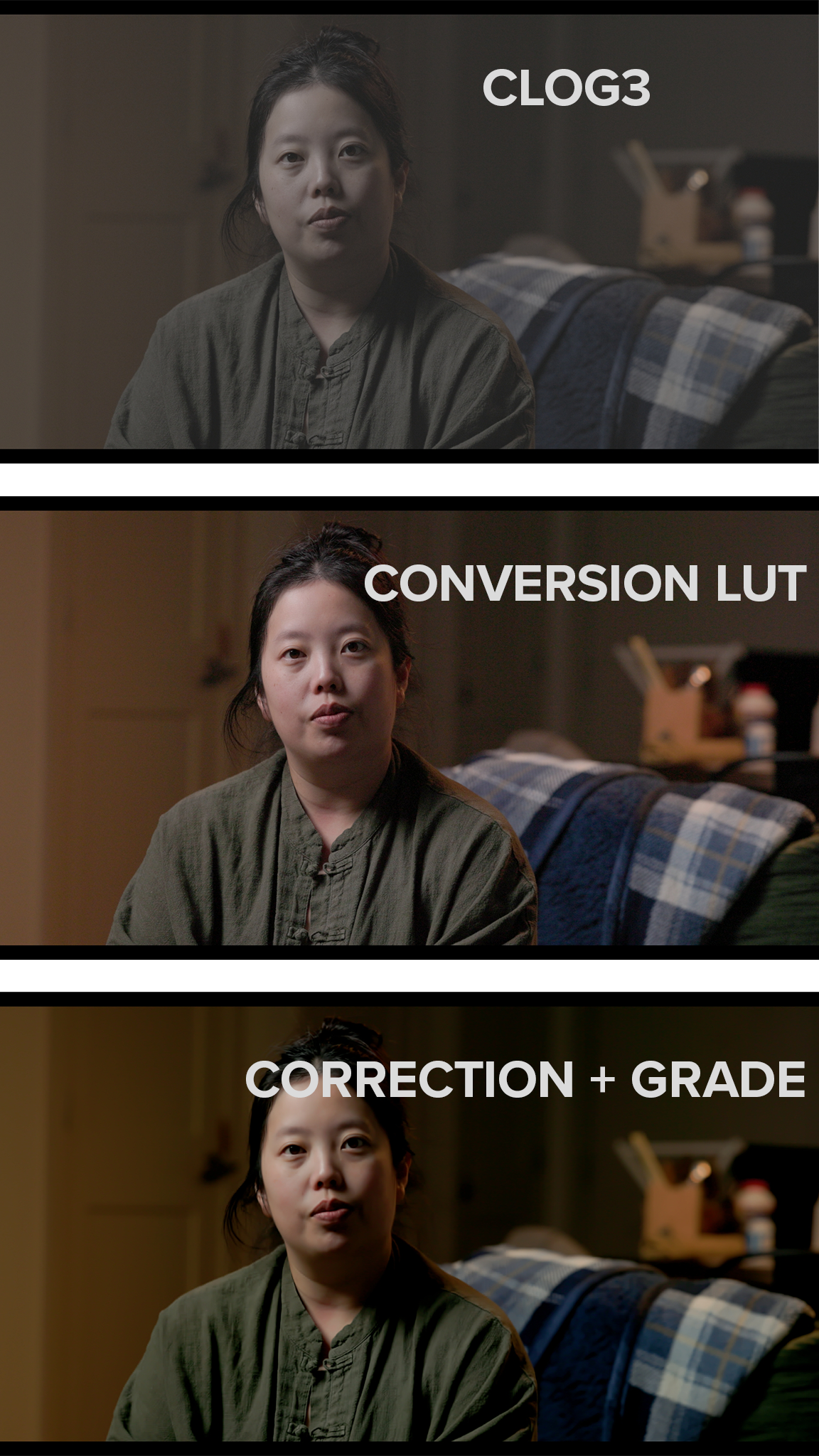
 Image 1 of 3
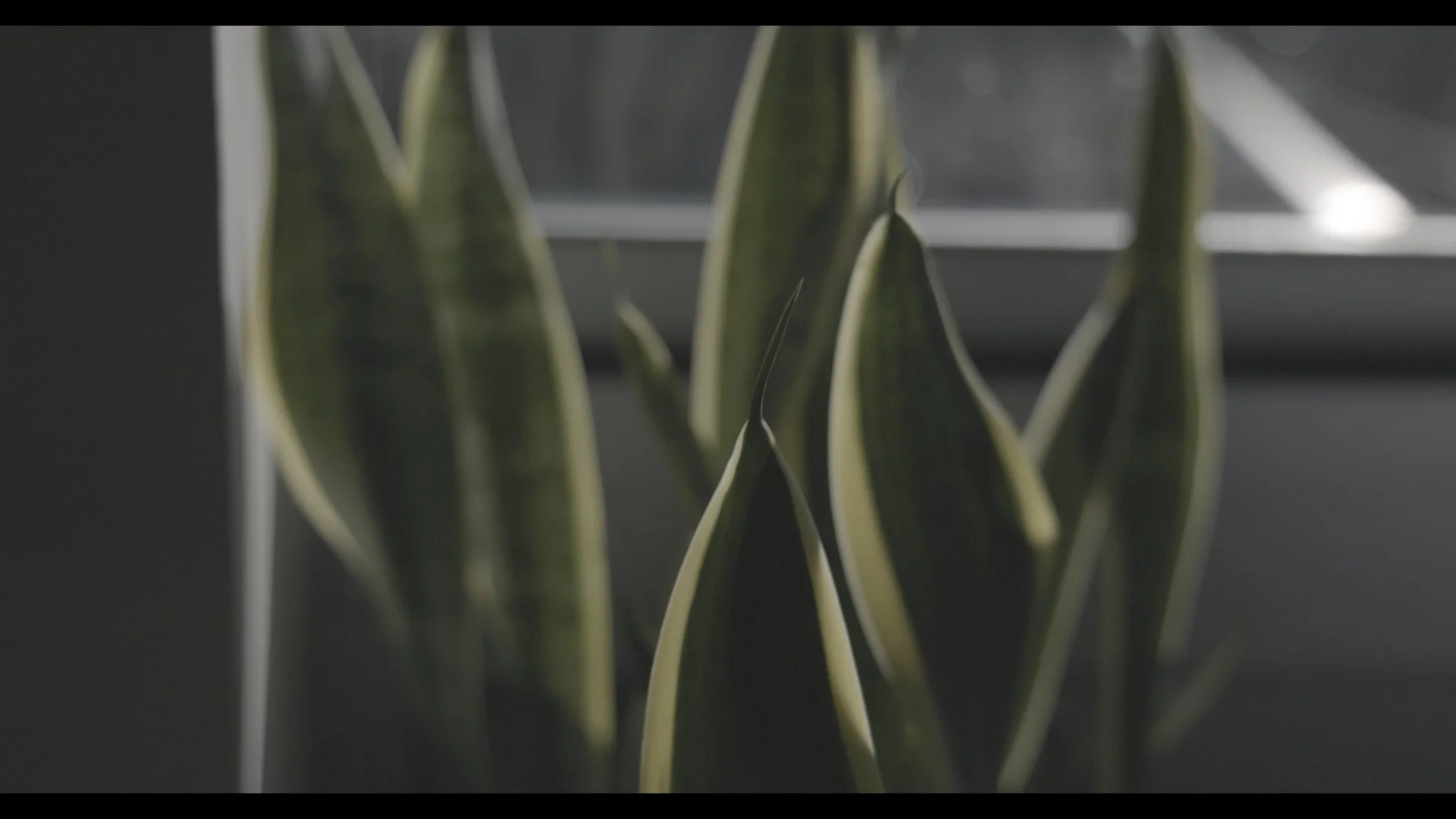 Image 2 of 3
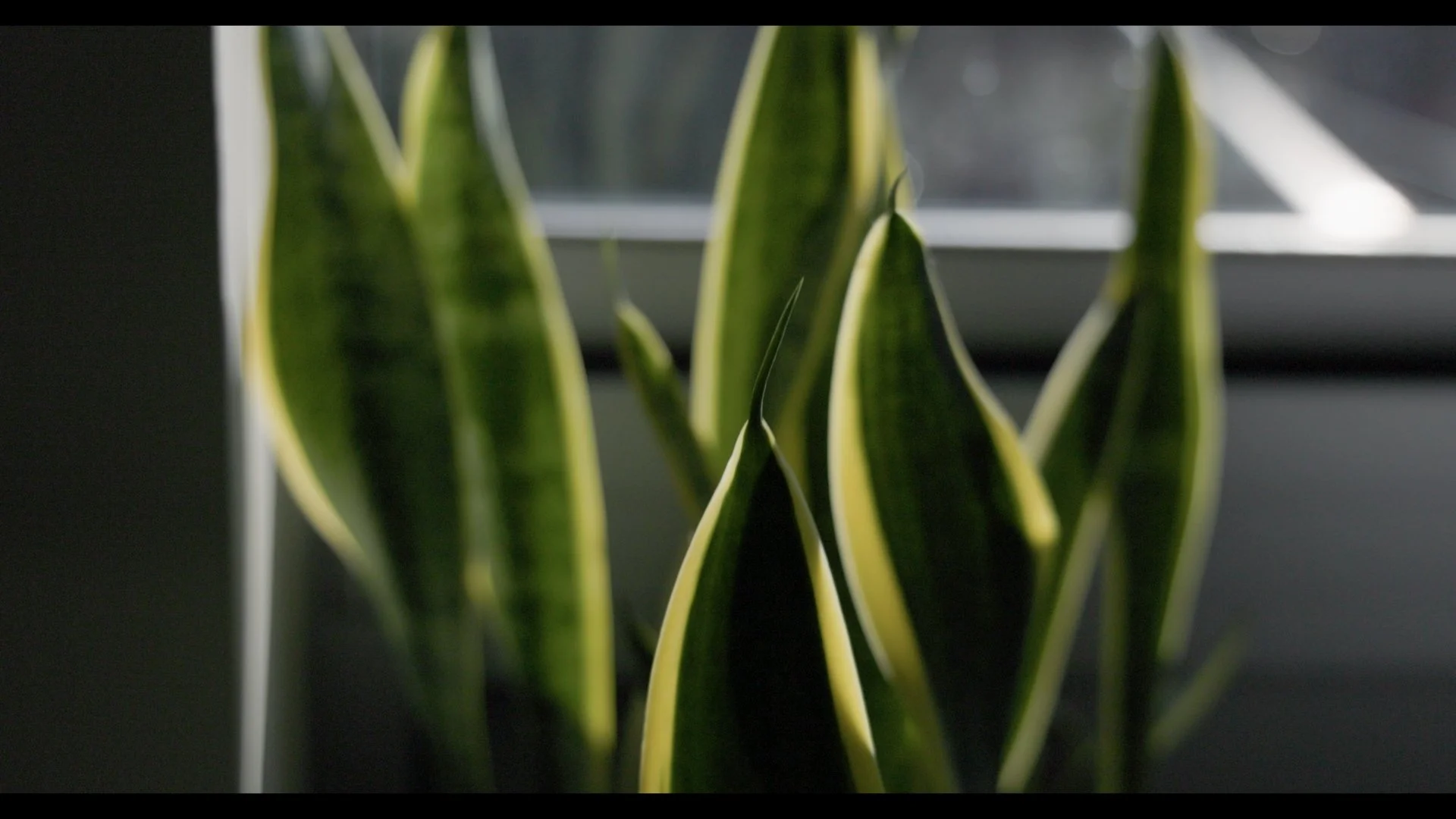 Image 3 of 3
Please note: This will not color correct your footage if you did not set the proper white balance. It is NOT a creative LUT that will add a specific look. It simply gives your footage a starting point and speeds up your color correcting and grading workflow.
Works best with Canon 4K and 8k Footage shot with the Canon Cinema Gamut color space.
See it in action here: https://youtu.be/HNjxv6rrxzk
In Adobe Premiere Pro: Simply import the Conversion LUT using the Input LUT dropdown under the “Basic Correction” section of the Lumetri Color tab.
In DaVinci Resolve: Drag the conversion LUT to a node and perform the rest of your color grade before this conversion node.
In Final Cut Pro: Drag the Custom LUT effect onto your clip, use the LUT dropdown to bring the conversion LUT in through there. Alternatively, under the Settings for your clip, import the LUT via the Camera LUT dropdown. Add Creative LUTs or custom adjustments to a layers above this Custom LUT effect.
Package includes two versions of the CLog3 Conversion LUT - 33 Point and 65 Point cubes.
Difference Between 33-Point and 65-Point Cubes
33-point .cube LUT for on-set monitoring (compatible with external monitors and supported Sony cameras shooting in S-Log3)
65-point .cube LUT for color grading, providing smoother tonal transitions and reduced artifacts such as banding, particularly with 10-bit workflows.
Output Color Space: Rec. 709
Output Gamma: Gamma 2.4
Please note: This will not color correct your footage if you did not set the proper white balance. It is NOT a creative LUT that will add a specific look. It simply gives your footage a starting point and speeds up your color correcting and grading workflow.
Works best with Canon 4K and 8k Footage shot with the Canon Cinema Gamut color space.
See it in action here: https://youtu.be/HNjxv6rrxzk
In Adobe Premiere Pro: Simply import the Conversion LUT using the Input LUT dropdown under the “Basic Correction” section of the Lumetri Color tab.
In DaVinci Resolve: Drag the conversion LUT to a node and perform the rest of your color grade before this conversion node.
In Final Cut Pro: Drag the Custom LUT effect onto your clip, use the LUT dropdown to bring the conversion LUT in through there. Alternatively, under the Settings for your clip, import the LUT via the Camera LUT dropdown. Add Creative LUTs or custom adjustments to a layers above this Custom LUT effect.
Package includes two versions of the CLog3 Conversion LUT - 33 Point and 65 Point cubes.
Difference Between 33-Point and 65-Point Cubes
33-point .cube LUT for on-set monitoring (compatible with external monitors and supported Sony cameras shooting in S-Log3)
65-point .cube LUT for color grading, providing smoother tonal transitions and reduced artifacts such as banding, particularly with 10-bit workflows.
Output Color Space: Rec. 709
Output Gamma: Gamma 2.4